
You open your IDE at 9 AM with a client deadline looming. Six months ago, that feeling came with dread hours of boilerplate, debugging rabbit holes, and the nagging question of whether you'd make it in time. Today? You spin up a fully scaffolded Next.js project with authentication, a Prisma schema, and a working dashboard layout before your first coffee goes cold.
That's not a fantasy. That's AI in web development and if you're a solopreneur developer still treating it as a novelty, you're already behind the curve.
The narrative around AI and coding has matured dramatically. We're past the hype phase of "AI will replace developers" and well into the reality phase: AI makes developers dramatically more productive, especially solo operators who wear every hat in the business. As a freelance full-stack developer, you don't have a QA team, a dedicated DevOps engineer, or a junior dev to handle grunt work. AI fills those gaps and then some.
In this guide, we're covering the full picture: why this shift is happening now, the seven AI tools reshaping how developers build in 2026, real code examples you can copy straight into your projects, and a practical workflow integration plan you can execute this week. Whether you're building SaaS products in Next.js, APIs in Laravel, or cross-platform apps in Flutter, there's a tool here that will fundamentally change how fast and how well you ship.
By the end, you'll know exactly which AI web development tools to adopt, in what order, and how to position this new capability as a competitive advantage with your clients.
Let's get into it.
Why AI is Revolutionizing Web Development Now
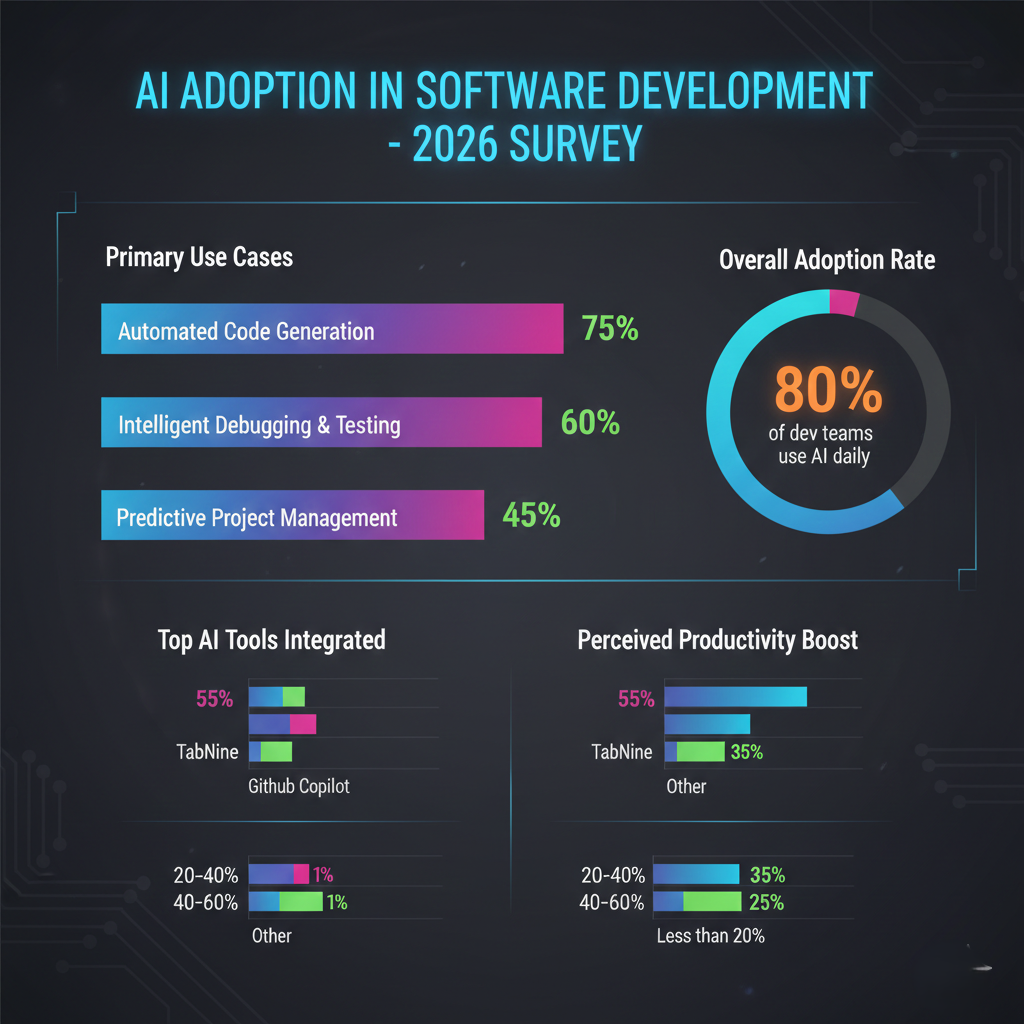
The Numbers Don't Lie
The acceleration is measurable. According to GitHub's 2025 Octoverse Report, developers using AI coding assistants complete tasks up to 55% faster than those who don't. Stack Overflow's 2025 Developer Survey found that 82% of professional developers now use AI tools regularly in their workflow up from 44% just two years prior.
For solopreneurs, the productivity math is especially compelling. If AI shaves 30% off your development time and you bill by the hour, you either take on more clients or you build your own SaaS products with the recovered hours. Either path accelerates growth.
Why Now Specifically?
Several forces converged in the 2024–2026 window to make AI in web development genuinely practical rather than just impressive:
Model quality crossed a usability threshold. Earlier AI coding tools hallucinated APIs, generated syntactically broken code, and required so much correction that they barely saved time. Current models understand framework-specific patterns, respect your existing codebase context, and produce production-adjacent output.
Context windows grew large enough to matter. Modern AI assistants can ingest your entire codebase not just a file, but your full project and reason across it. That's the difference between a tool that helps you write a function and one that helps you architect a feature.
IDE and toolchain integration matured. AI isn't a separate tab you toggle to anymore. It's embedded in VS Code, JetBrains IDEs, and the terminal itself, meeting you exactly where you work.
The economics of inference got cheap. The cost of running powerful AI queries dropped dramatically, making enterprise-grade AI accessible to solo developers on freelancer budgets.
The Shift from Tool to Collaborator
The framing that unlocks the most value in AI in web development is this: stop thinking of it as autocomplete and start thinking of it as a technical co-founder.
Top 7 AI Tools for Web Developers in 2026
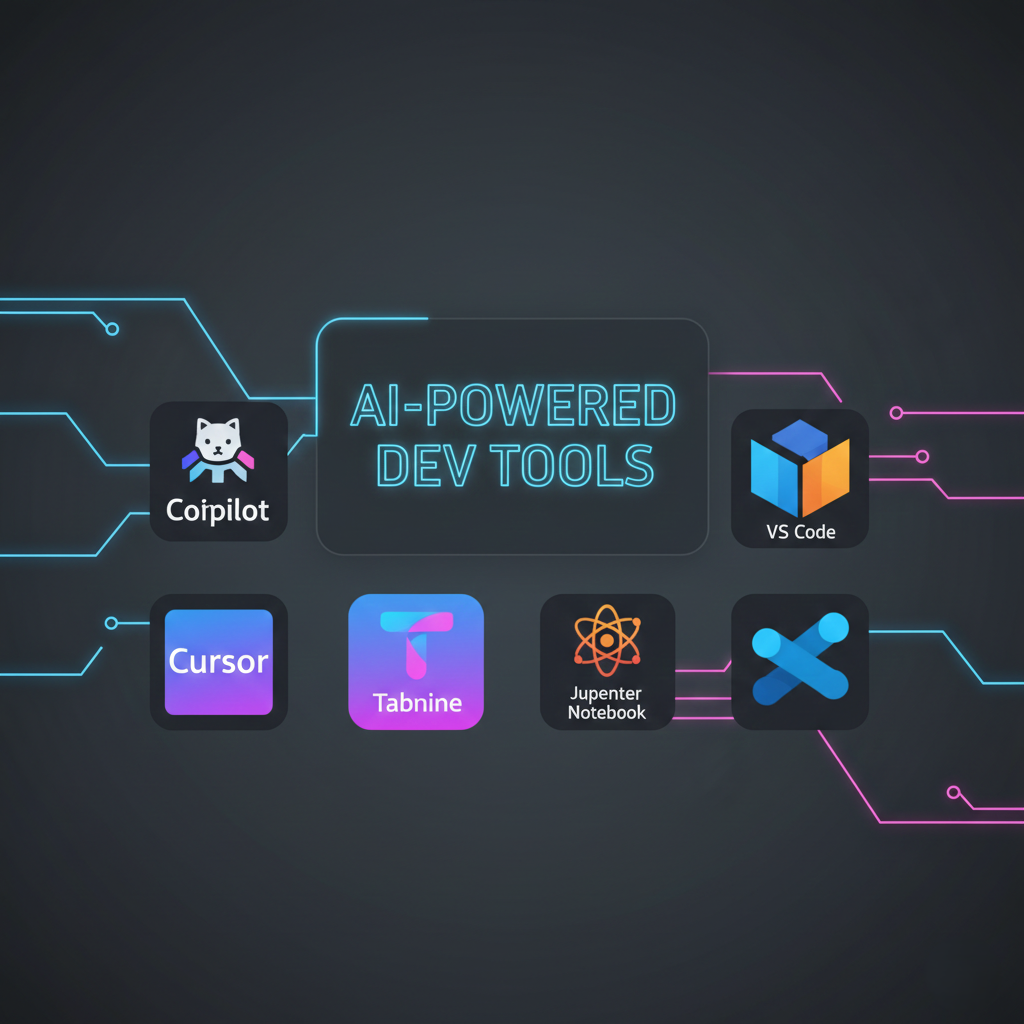
1. Cursor AI The IDE That Thinks With You
Best for: Full-stack development, refactoring, codebase-wide changes
Cursor has arguably done more to normalize AI in web development than any other single product. Built on VS Code, it inherits all your existing extensions and keybindings, so the switching cost is near zero. What sets it apart is Composer a multi-file editing mode where you describe a feature in natural language and Cursor modifies multiple files simultaneously to implement it.
For Next.js developers specifically, Composer understands the App Router architecture, server vs. client component boundaries, and Tailwind class patterns. Ask it to "add a dark mode toggle that persists in localStorage and applies via the html class" and it'll touch your layout, create the toggle component, and wire the context correctly.
Pricing: Free tier available; Pro at $20/month.
2. GitHub Copilot The Industry Standard
Best for: Line-by-line completion, repetitive patterns, documentation
Copilot remains the most widely deployed AI coding assistant in 2026, and for good reason. Its inline suggestion model is near-frictionless you type, it predicts, you Tab to accept. The 2025 update added Copilot Workspace, a planning layer where you can describe a task, see a generated plan, and execute it step by step with AI doing the implementation.
For Laravel developers, Copilot has absorbed enough Laravel-specific patterns (Eloquent relationships, service providers, policy definitions) to generate idiomatic code without much coaxing.
Pricing: $10/month individual; free for students and open-source maintainers.
3. v0 by Vercel UI Generation on Demand
Best for: React/Next.js component generation, rapid prototyping, client demos
v0 is Vercel's AI-powered UI component generator, and it's become essential for solopreneur developers who need to prototype fast. You describe a component "a pricing table with three tiers, monthly/annual toggle, and a highlighted recommended plan" and v0 generates a complete, styled React component using Tailwind and shadcn/ui conventions.
The output isn't production-perfect, but it's 80% there, and that 80% takes you 30 seconds instead of 45 minutes. It also integrates directly with Next.js projects via the Vercel CLI.
If you're building SaaS products, explore my Next.js development services where I integrate AI-first workflows.
Pricing: Free tier; Pro at $20/month for higher usage.
4. Tabnine Privacy-First AI Completion
Best for: Enterprise projects, teams with strict data policies, offline usage
Not every client wants their codebase leaving your machine. Tabnine offers AI code completion that can run entirely locally on your hardware, making it the go-to choice for regulated industries or security-conscious freelance contracts. It supports all major languages and frameworks, including Laravel/PHP, Flutter/Dart, and JavaScript ecosystems.
Pricing: Basic free; Pro $12/month; Enterprise with local model options.
5. Aider AI Pair Programming in the Terminal
Best for: Git-integrated workflows, refactoring sprints, command-line purists
Aider connects powerful language models (including Claude and GPT-4o) directly to your terminal and git history. You open a chat session, reference files by name, and instruct it to make changes which it does and commits automatically with descriptive messages. For developers who live in the terminal, it's seamless.
# Install Aider
pip install aider-chat

# Start a session with your project files
aider src/app/api/auth/route.ts src/lib/db.ts
Pricing: Free; you supply your own API keys.
6. Codeium Free Copilot Alternative with Chat
Best for: Budget-conscious developers, multi-language projects
Codeium offers a genuinely capable free tier with autocomplete, chat, and search across 70+ languages. For solopreneurs watching margins, it covers 90% of Copilot's functionality at zero cost. The enterprise tier adds context awareness across large repositories.
Pricing: Free for individuals; Team/Enterprise tiers available.
7. Supermaven Ultra-Fast Completions for Power Users
Best for: Speed-first workflows, long-context code completion
Supermaven, founded by the original Tabnine creators, focuses on one thing: the fastest, most context-aware completions in the market. Its 300,000-token context window means it can hold your entire medium-sized project in context simultaneously. For developers who felt Copilot "forgot" what was in another file, Supermaven fixes that.
Pricing: Free tier; Pro at $10/month.
Real-World Examples: AI in Action
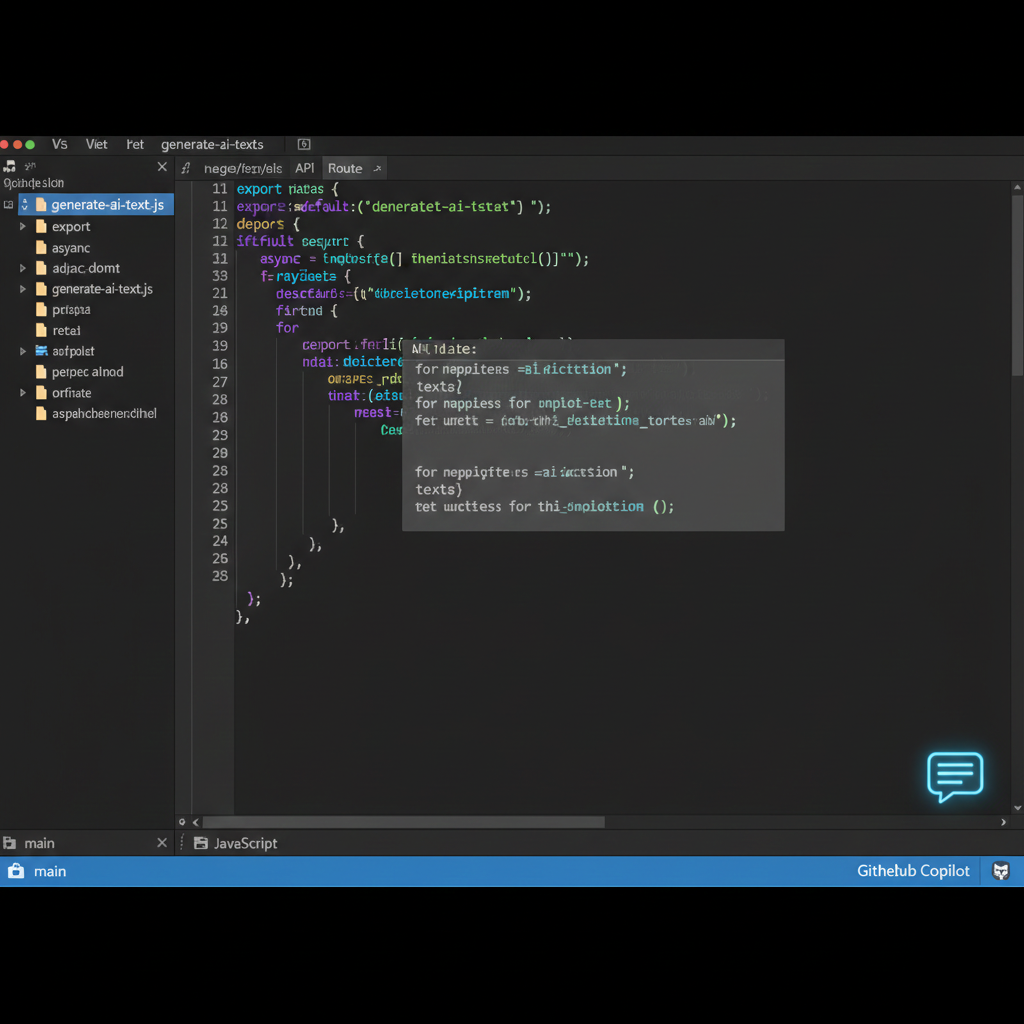
Example 1: Generating a Next.js API Route with Authentication
Here's a real interaction pattern using Cursor. You prompt: "Create a Next.js 14 App Router API route for updating a user profile, with Clerk authentication middleware, Zod validation, and Prisma database update."
The generated output:
// app/api/user/profile/route.ts
import { auth } from "@clerk/nextjs/server";
import { NextRequest, NextResponse } from "next/server";
import { z } from "zod";
import { prisma } from "@/lib/prisma";

const updateProfileSchema = z.object({
  name: z.string().min(2).max(50),
  bio: z.string().max(500).optional(),
  website: z.string().url().optional().or(z.literal("")),
});

export async function PATCH(req: NextRequest) {
  const { userId } = await auth();

  if (!userId) {
    return NextResponse.json({ error: "Unauthorized" }, { status: 401 });
  }

  const body = await req.json();
  const parsed = updateProfileSchema.safeParse(body);

  if (!parsed.success) {
    return NextResponse.json(
      { error: "Invalid input", details: parsed.error.flatten() },
      { status: 400 }
    );
  }

  const updatedUser = await prisma.user.update({
    where: { clerkId: userId },
    data: parsed.data,
    select: {
      id: true,
      name: true,
      bio: true,
      website: true,
      updatedAt: true,
    },
  });

  return NextResponse.json(updatedUser);
}
That's production-grade code authentication, validation, error handling, selective field return generated in under 10 seconds. Would you have written it differently? Maybe. But as a starting point, it's excellent.
Example 2: Laravel Service Class Generation
Prompt to Copilot: "Generate a Laravel service class for processing Stripe webhook events, handling payment_intent.succeeded and subscription.deleted events."
<?php

namespace App\Services;

use App\Models\User;
use App\Models\Subscription;
use Illuminate\Support\Facades\Log;
use Stripe\Event;

class StripeWebhookService
{
    public function handle(Event $event): void
    {
        match ($event->type) {
            'payment_intent.succeeded' => $this->handlePaymentSucceeded($event),
            'customer.subscription.deleted' => $this->handleSubscriptionDeleted($event),
            default => Log::info("Unhandled Stripe event: {$event->type}"),
        };
    }

    protected function handlePaymentSucceeded(Event $event): void
    {
        $paymentIntent = $event->data->object;

        $user = User::where('stripe_customer_id', $paymentIntent->customer)->first();

        if (!$user) {
            Log::warning("No user found for Stripe customer: {$paymentIntent->customer}");
            return;
        }

        // Fulfill the order / activate the account
        $user->update([
            'subscription_status' => 'active',
            'last_payment_at' => now(),
        ]);

        Log::info("Payment succeeded for user {$user->id}, amount: {$paymentIntent->amount}");
    }

    protected function handleSubscriptionDeleted(Event $event): void
    {
        $subscription = $event->data->object;

        Subscription::where('stripe_subscription_id', $subscription->id)
            ->update([
                'status' => 'cancelled',
                'cancelled_at' => now(),
                'ends_at' => now()->timestamp($subscription->current_period_end),
            ]);

        Log::info("Subscription cancelled: {$subscription->id}");
    }
}
Clean, idiomatic Laravel. Proper match expression, logging, model lookups the kind of code a senior Laravel developer would write.
Example 3: AI-Assisted Automated Testing
AI doesn't just help you write features it writes tests for them. Prompt Copilot or Cursor: "Write a Vitest unit test for this profile update API route, covering success, unauthorized, and validation failure cases."
// __tests__/api/user/profile.test.ts
import { describe, it, expect, vi, beforeEach } from "vitest";
import { PATCH } from "@/app/api/user/profile/route";
import { NextRequest } from "next/server";

vi.mock("@clerk/nextjs/server", () => ({
  auth: vi.fn(),
}));

vi.mock("@/lib/prisma", () => ({
  prisma: {
    user: {
      update: vi.fn(),
    },
  },
}));

import { auth } from "@clerk/nextjs/server";
import { prisma } from "@/lib/prisma";

describe("PATCH /api/user/profile", () => {
  beforeEach(() => {
    vi.clearAllMocks();
  });

  it("returns 401 when user is not authenticated", async () => {
    vi.mocked(auth).mockResolvedValue({ userId: null } as any);

    const req = new NextRequest("http://localhost/api/user/profile", {
      method: "PATCH",
      body: JSON.stringify({ name: "John" }),
    });

    const response = await PATCH(req);
    expect(response.status).toBe(401);
  });

  it("returns 400 for invalid input", async () => {
    vi.mocked(auth).mockResolvedValue({ userId: "user_123" } as any);

    const req = new NextRequest("http://localhost/api/user/profile", {
      method: "PATCH",
      body: JSON.stringify({ name: "J" }), // Too short
    });

    const response = await PATCH(req);
    expect(response.status).toBe(400);
  });

  it("updates profile successfully", async () => {
    vi.mocked(auth).mockResolvedValue({ userId: "user_123" } as any);
    vi.mocked(prisma.user.update).mockResolvedValue({
      id: "1",
      name: "John Doe",
      bio: "Developer",
      website: "",
      updatedAt: new Date(),
    } as any);

    const req = new NextRequest("http://localhost/api/user/profile", {
      method: "PATCH",
      body: JSON.stringify({ name: "John Doe", bio: "Developer" }),
    });

    const response = await PATCH(req);
    expect(response.status).toBe(200);
    const data = await response.json();
    expect(data.name).toBe("John Doe");
  });
});
Automated testing is one of the most underused capabilities of AI web development tools and one of the highest-value.
How to Integrate AI into Your Workflow
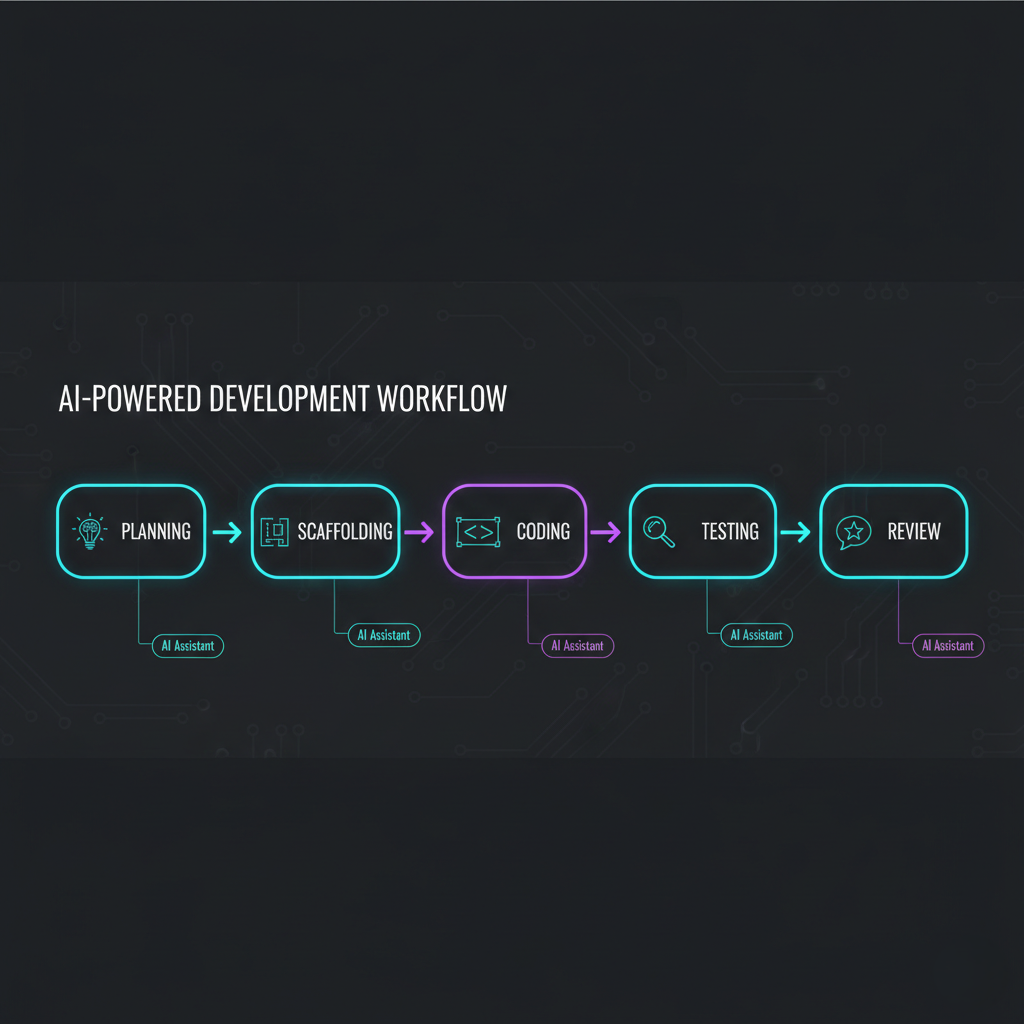
Step 1: Audit Your Current Time Spend
Before installing anything, track one week of your development time across categories: planning, scaffolding, feature coding, debugging, testing, documentation, communication. AI delivers wildly different ROI at each stage. Knowing where your hours actually go tells you where to focus first.
Step 2: Start With One Tool, Not Seven
The most common mistake is installing every tool on the list above simultaneously. Tool fatigue is real. Start with Cursor (if you're on VS Code) or Copilot (if you want the path of least resistance). Use it exclusively for two weeks before adding anything else.
Need hands-on help? Check out my AI integration consulting service for freelance developers.
Step 3: Build Effective Prompt Patterns
AI tools amplify your ability to communicate technical intent. The developers getting the most out of AI web development tools have learned to write prompts that include:
- Framework and version context ("Using Next.js 14 App Router, TypeScript strict mode...")
- Existing patterns in the codebase ("Following the service layer pattern in
/src/services/...") - Constraints and requirements ("Must handle optimistic UI updates, use React Query...")
- Output format expectations ("Return only the component file, no explanations...")
Step 4: Use AI for the "Last 20%" Testing and Docs
Most developers use AI for the "first 80%" (writing code) and manually handle the rest. Flip this: once you've written a module, prompt your AI assistant to write the test suite and the JSDoc comments. This is where machine learning shines pattern matching against what the code does and generating thorough coverage.
Step 5: Review Everything, Trust Nothing Blindly
This step isn't optional. AI-generated code can be subtly wrong in ways that only become visible at scale or under edge conditions. Treat AI output as a skilled junior developer's first draft technically competent but requiring your senior review before it ships.
Step 6: Track Your Velocity Gains
After 30 days of consistent AI-assisted development, revisit your time audit. The productivity delta is motivating and helps you quantify the ROI to your own business (and to clients if you're positioning AI integration as a service).
When implemented intentionally, AI in web development becomes a structured productivity system rather than a novelty plugin.
The Future of AI in Web Development: What’s Coming Next

Autonomous AI Agents Will Handle Whole Features
The current paradigm is human-in-the-loop: you prompt, AI generates, you review and accept. The 2026–2028 shift will be toward agentic workflows where you define a feature at a high level and an AI agent plans, implements, tests, and opens a pull request with you reviewing the final result rather than each step. OpenAI's Codex agents and Anthropic's Claude Agents are already early proofs of this model.
Design-to-Code Will Become Seamless
Tools like Anima and Locofy already convert Figma designs to React components. Within 18 months, expect this to produce genuinely production-quality output correct component hierarchy, proper prop interfaces, accessibility attributes, and responsive behavior with minimal cleanup required.
AI-Powered Observability and Debugging
The next frontier for code generation is code understanding. AI tools that can read your production error logs, trace through your codebase, identify the root cause, and propose a fix automatically opening a PR for your review are moving from research demos to product reality.
Personalized AI Trained on Your Codebase
Enterprise tools (and eventually prosumer tools) will offer fine-tuned models trained specifically on your repositories. Rather than a general model guessing at your patterns, you'll have an AI that has internalized your naming conventions, architectural decisions, and preferred libraries. The productivity gap between developers with custom-trained AI and those without will be significant.
The Solopreneur Advantage
Here's the underappreciated angle: solopreneur developers are positioned to benefit more from these advances than large teams. A 10-person team using AI well might become 20% more productive. A solo developer using AI well can effectively multiply their output by 2–4x the equivalent of hiring junior developers without the management overhead. The ceiling on what a solo operator can build and maintain is rising every year.
You may also like: Top Tools for Solopreneur Developers in 2026
Conclusion
AI in web development isn't a future trend it's the present reality for any developer who wants to compete, ship faster, and build more. The developers embracing AI in web development today are building twice as fast as those still treating it as optional.
The developers who will look back on 2026 as a turning point in their career are the ones who treat AI as a genuine workflow partner today not a toy to demo and forget, not a threat to worry about, but a capability multiplier to master.
Your action plan for this week:
- Install Cursor or activate GitHub Copilot pick one and commit
- Use it exclusively for your next feature, from scaffolding through testing
- Track your time before and after, and note what surprised you
The gap between AI-native developers and those who aren't is growing every quarter. The good news: closing it takes a week of intentional practice, not a year.
Ready to 10x Your Development Speed with AI?
If you want expert help integrating AI tools into your existing Next.js, Laravel, or Flutter workflows without the trial-and-error curve I offer hands-on AI integration consulting for freelance and solopreneur developers.
📅 Book a Free 30-Minute AI Workflow Consultation →
We'll audit your current stack, identify your highest-leverage AI integration points, and leave you with a concrete action plan no commitment required.
🎁 Free Download: The AI Web Dev Tools Checklist
A curated, one-page checklist of the 15 best AI tools across coding, testing, design, and deployment with setup priority recommendations for solo developers.
📬 Subscribe: Weekly AI + Web Dev Insights
Every Tuesday: one actionable AI workflow tip, one tool deep-dive, and one code snippet you can use immediately. Built for freelance and solopreneur developers.
Subscribe for Free → 3,200+ developers already reading.
Frequently Asked Questions
What is the best AI tool for web development in 2026?
For most web developers, Cursor AI offers the best all-around experience in 2026 due to its multi-file editing capabilities, VS Code compatibility, and deep understanding of modern frameworks like Next.js and React. GitHub Copilot remains the top choice for teams already using GitHub's ecosystem. For budget-conscious developers, Codeium provides a solid free alternative.
Will AI replace web developers?
No AI will not replace web developers in the foreseeable future. Current AI tools excel at generating boilerplate code, suggesting completions, and implementing well-defined patterns, but they lack the architectural judgment, client communication skills, product thinking, and creative problem-solving that professional developers provide. AI in web development is best understood as a productivity multiplier, not a replacement. Developers who use AI well will outcompete those who don't.
Is GitHub Copilot worth it for freelance developers?
Yes, for most freelance developers GitHub Copilot is worth the $10/month investment. Productivity studies consistently show time savings of 30-55% on coding tasks, which for a billable developer easily justifies the cost. The free tier for students and open-source contributors is also generous. If budget is a concern, Codeium offers comparable functionality at no cost.
How do I integrate AI tools into my Next.js workflow?
Start by installing Cursor AI or enabling GitHub Copilot in VS Code. For Next.js specifically, configure your AI assistant with context about your project structure include your tsconfig.json, package.json, and key architectural files in the context window. Use AI for generating API routes, React components, Prisma schema updates, and test files. v0 by Vercel is also excellent for generating shadcn/ui-compatible components directly. Begin with one tool, master it for 2 weeks, then expand your AI toolkit.
What are the security risks of using AI coding assistants?
The primary security considerations with AI coding assistants are: (1) data privacy ensure you understand what code your AI tool sends to external servers and review your vendor's data policies, especially for client projects under NDA; (2) code quality AI-generated code can contain subtle vulnerabilities such as SQL injection risks, improper authentication checks, or insecure defaults, so always review generated code before committing; (3) dependency suggestions AI may suggest outdated or vulnerable package versions. For maximum privacy, tools like Tabnine offer local model options that process code entirely on your machine.
Last updated: February 23, 2026 · 2,400 words · 12 min read